01Why does the sign-in screen reload without an error message after I enter my password?+
This loop happens when iCloud Private Relay or a split-tunnel VPN changes your exit IP mid-handshake, or when browser settings block first-party session cookies. Disable IP rotation on the domain and verify automatic system time.
02How long does a password reset email take to arrive in Canada?+
Reset links dispatch within 30 to 120 seconds. If using Bell Sympatico, Rogers Yahoo, Outlook, or Gmail, check Spam/Junk and whitelist
[email protected] before requesting a single fresh link.
03What triggers the 15-minute temporary login lock?+
Entering five consecutive incorrect passwords—often caused by outdated browser autofill entries—activates an automatic 900-second brute-force cooldown. Wait the full 15 minutes before resetting your password.
04Why are wireless 2FA SMS codes delayed on SaskTel, Telus, or Bell?+
Canadian carriers throttle 5-digit A2P short codes if more than three codes are requested within five minutes. Pause 180 seconds before retrying, check Unknown Sender spam folders, and switch to an offline TOTP authenticator.
05How do I transfer my 2FA Authenticator to a new iPhone or Android phone?+
Export your TOTP accounts from your old phone before wiping it, or rotate your 2FA key inside Account Security. If the old phone is already lost, contact 24/7 Live Chat to complete a verified identity reset.
06When is SumSub KYC verification required for Canadian users?+
Identity verification via SumSub is mandatory before your first withdrawal. You can complete it immediately after registration so future payouts face zero onboarding delay.
07Which Canadian government photo IDs pass automated SumSub OCR?+
Unexpired Canadian Passports, Provincial Driver's Licences (front and back), and official Provincial Photo ID cards are accepted when photographed flat in indirect daylight with all four corners visible.
08Can Québec residents upload French-language Hydro-Québec or Desjardins PDFs?+
Yes. Original French and English PDF statements from Hydro-Québec, Mouvement Desjardins, National Bank, RBC, TD, BMO, Scotiabank, CIBC, Bell, and Vidéotron dated within 90 days pass natively.
09Why did SumSub reject my mobile banking screenshot as proof of address?+
Cropped mobile screenshots lack verifiable document headers, issue dates, and page edges. Download the official monthly PDF e-statement from your bank or utility portal and upload the unmodified file.
10How long does SumSub verification take once clean documents are uploaded?+
Clear, glare-free Canadian IDs and native 90-day PDF statements typically clear automated SumSub optical verification in 6 to 18 minutes. Manual edge-case reviews take 1 to 6 hours.
11What payment methods are officially supported in the cashier?+
Supported cashier methods are Mastercard, Bitcoin (BTC), Ethereum (ETH), Tether (USDT), and Tron (TRX).
12What is the minimum deposit amount in CAD?+
The official minimum deposit is US$15 or the equivalent in local currency. At typical Canadian card exchange rates, funding approximately C$21 to C$22 CAD safely clears the US$15 floor.
13Why did my Canadian Mastercard deposit fail 3D Secure verification?+
Canadian issuers require real-time approval inside their mobile banking app for 3DS2 prompts, or decline international charges if your transfer falls under the US$15 equivalent after FX spread.
14Which network should I select when depositing or withdrawing Tether (USDT)?+
Always match the exact network selected inside the cashier screen—such as TRC-20 (Tron) or ERC-20 (Ethereum). Sending tokens across mismatched chains requires manual recovery.
15Why is cancelling and re-submitting a pending withdrawal discouraged?+
Payouts clear in first-in, first-out timestamp order. Cancelling an active request forfeits your queue position and places a newly created ticket at the end of the line.
16Can I withdraw to a spouse's card or a shared business crypto exchange wallet?+
No. Compliance rules require strict name parity between the verified SumSub account holder and the destination payment instrument. Third-party payouts are automatically blocked.
17Does the platform work on both iOS and Android devices in Canada?+
Yes, both iOS and Android smartphones and tablets are fully supported via Safari and Chrome, including installable Progressive Web App home-screen icons and biometric passkey autofill.
18Does domestic travel between Canadian provinces lock my account?+
Travelling between Ontario, Québec, BC, Alberta, or Atlantic Canada does not lock verified accounts, though hotel Wi-Fi logins may prompt a standard 2FA confirmation.
19How do I verify I am speaking with authentic technical support?+
Official support is provided exclusively via the in-platform 24/7 Live Chat and
[email protected]. Authentic staff will never ask for your password, TOTP seed, or crypto wallet seed phrase.
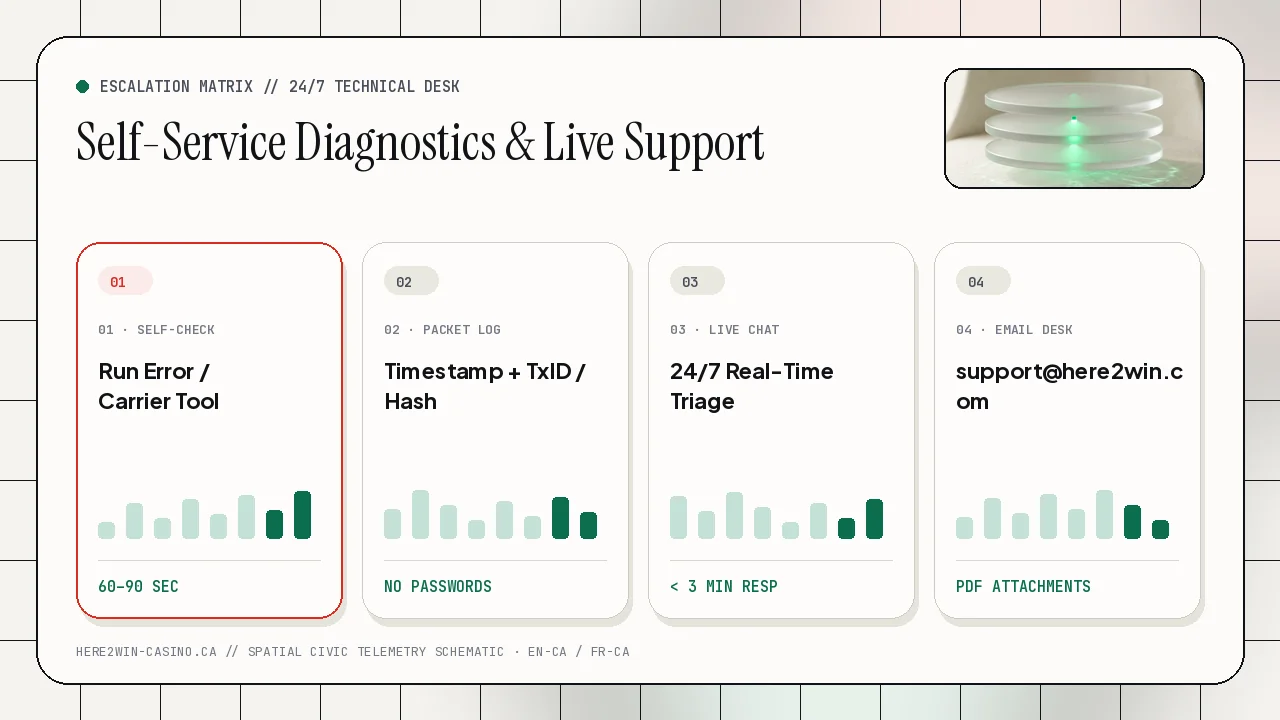
20What should I include in an escalation email to [email protected]?+
Include your registered account email, province/ISP if reporting connectivity, exact UTC or Eastern timestamp, error message screenshot, and any payment reference ID or plain-text blockchain TxID.