CA-MOB-07 // EN-CA TECHNICAL GUIDE

iOS & Android Mobile Access, PWA Setup & Biometric Login in Canada

Technical configuration guide for accessing Here2Win Casino on iOS and Android smartphones and tablets across Canada. Install a zero-bloat Progressive Web App icon, enable Face ID or Android biometric login, and prevent 5G-to-Wi-Fi session drops.

SUPPORTED OS
ANDROID & iOS
BIOMETRIC AUTH
FACE ID / FINGERPRINT
CAMERA ACCESS
SUMSUB OCR READY
Canadian iOS Safari PWA and Android Chrome mobile access schematic with biometric passkey login
MOBILE PLATFORM SELECTOR

Choose your mobile OS for exact Canadian setup steps.

SELECT DIAGNOSTIC PROFILE
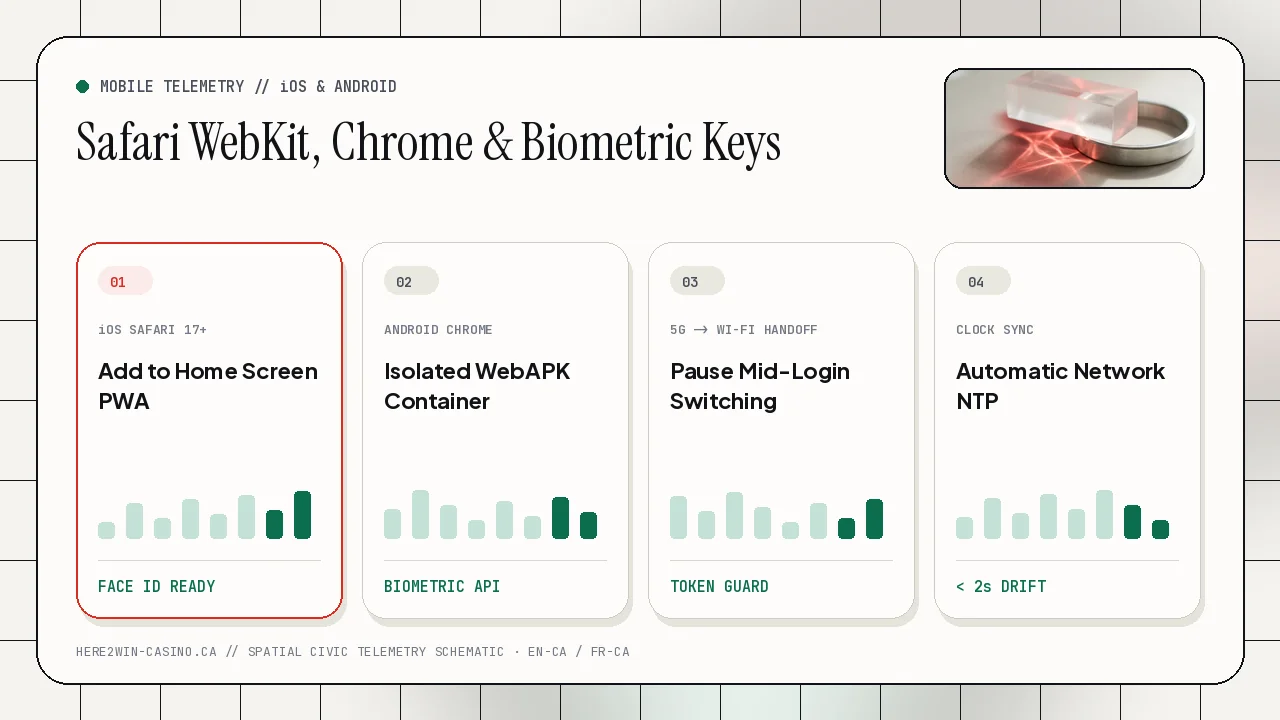
iOS Safari Home-Screen Web App & Face ID Configuration SETUP: 45 SECONDS

iOS supports standalone Progressive Web App containers with full WebGL acceleration, Face ID credential autofill, and camera access for SumSub.

  1. Open the official site in Safari (not an in-app social browser), tap the Share icon, and choose Add to Home Screen.
  2. Enable AutoFill Passwords and Passkeys under iOS Settings -> General -> AutoFill & Passwords for instant Face ID sign-in.
  3. Disable iCloud Private Relay for the site domain if switching between Bell/Rogers 5G and home Wi-Fi logs you out.
TECHNICAL SPECIFICATIONS

Why Native Browser Containers Outperform Unverified APK Downloads

Official iOS & Android Compatibility Without Sideload Risks

Platform specifications support both Android and iOS directly through modern encrypted web standards and installable Progressive Web App shortcuts. Installing from Safari or Chrome guarantees automatic TLS 1.3 security updates and protects Canadian users from counterfeit third-party APK files circulating on unverified download mirrors.

To verify certificate authenticity before pinning the shortcut to your home screen, review the padlock inspection steps in our account security and anti-phishing guide.

App-Switching Survival During 2FA, SumSub & 3DS2 Prompts

Mobile operating systems aggressively suspend background browser tabs on low-memory devices when you switch over to your banking app or SMS inbox. Using an integrated password manager or pairing a local TOTP generator as described in our Canadian wireless 2FA guide lets you autofill codes straight from the keyboard bar without leaving the page.

Likewise, when completing SumSub identity verification or approving a Mastercard deposit on our Canadian payment rails page, closing unused heavy background apps prevents iOS or Android from reloading your active session tab.

TECHNICAL SPECIFICATIONS

Mobile Troubleshooting Across Canadian 5G Networks

Comparing iOS Safari & Android Chrome Behaviour

Check regional mobile latency across Rogers, Bell, Telus, and Vidéotron anytime on the Canadian gateway status desk, or consult the compatibility matrix below.

Mobile FeatureiOS (iPhone / iPad)Android (Pixel / Galaxy)Troubleshooting Tip
Home-Screen InstallSafari Share -> Add to Home ScreenChrome Menu -> Install App (WebAPK)Never install from embedded email/social WebViews
Biometric Sign-InFace ID / Touch ID via iCloud KeychainFingerprint / Face Unlock via Google Password MgrRe-save credential once after password reset
SumSub KYC CameraWebsite Settings -> Camera -> AllowSite Padlock -> Permissions -> CameraUse indirect window light; clean main lens
3DS2 Banking SwitchKeep Low Power Mode OFF during checkoutSet Chrome battery usage to UnrestrictedWait for bank redirect back to cashier tab
CANADIAN ESCALATION & COMPLIANCE PROTOCOL

When to escalate to 24/7 Live Chat or email engineering.

Preparing Clean Diagnostic Logs for 24/7 Triage

If an account symptom persists after completing the checks on this page, record the exact timestamp (Eastern, Central, Mountain, Pacific, or Atlantic time), your ISP or mobile carrier name, and any plain-text payment reference or blockchain TxID. Opening 24/7 Live Chat inside the platform provides the fastest path for session unlocks and queue status lookups.

When attaching full-page bank PDF receipts or resolving hyphenated provincial name formatting for SumSub review, write directly from your registered email address to [email protected] and review our verification methodology and provincial helplines.

Zero-Credential Disclosure & Pre-Withdrawal Readiness

Official support personnel never request your password, six-digit TOTP code, or wallet recovery phrase under any circumstances. Completing mandatory SumSub identity verification prior to your first withdrawal and keeping automatic NTP device time active eliminates the vast majority of avoidable Canadian account delays.

Check live regional gateway latency across Toronto, Montréal, Vancouver, Calgary, Winnipeg, and Halifax anytime on the Canadian account access and telemetry desk or search edge cases inside our 20-question technical support FAQ.